projects/notebank
Eneuss / NoteBank
NoteBank - Banking System
A desktop banking app for sending money and tracking monthly spending, built in Python and SQLite.
overview
NoteBank is a desktop banking app where a customer can open an account, send money and track their monthly spending, built with Python, Tkinter and SQLite.
What it does
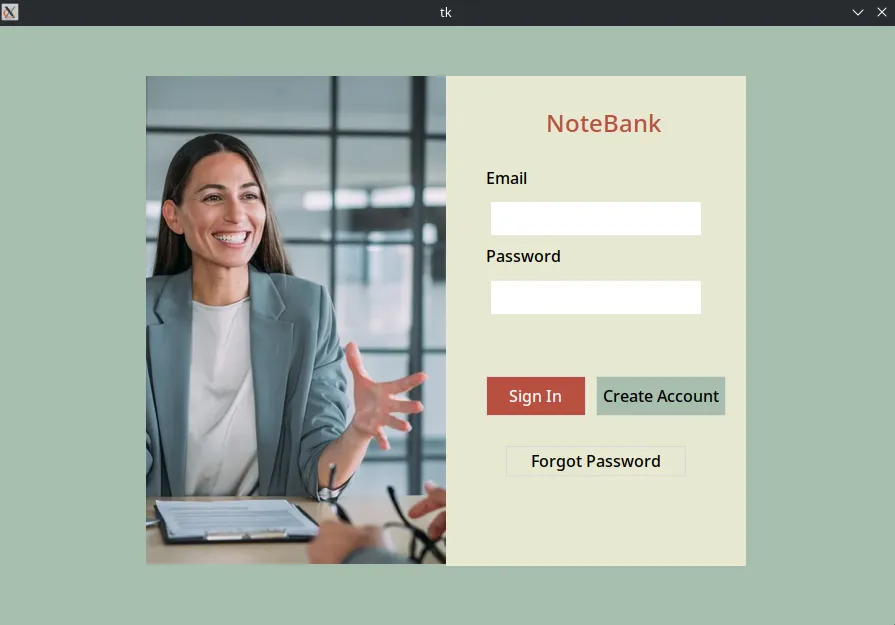
- Accounts: sign up, sign in, and reset a forgotten password by confirming your personal details.
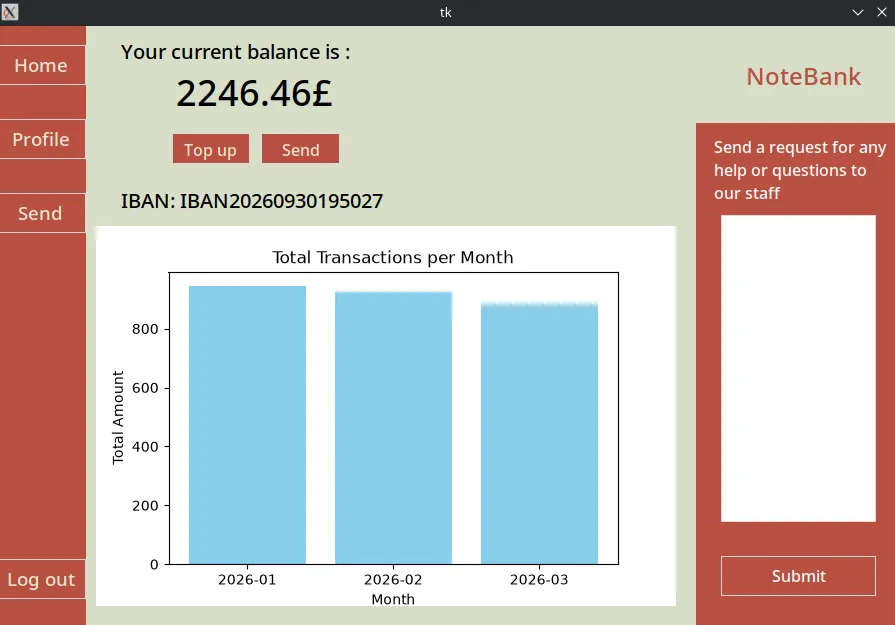
- Money: see your balance and IBAN, top up your account, and send money with a description and date.
- Spending chart: a bar chart of how much you sent each month of the current year.
- Backup: export your transaction history to an XML file and import it again later.
- Profile and help: edit your details, store an ID photo, and send a help request to bank staff.
How it's built
- Python 3.10+, with Tkinter/ttk for the desktop GUI and matplotlib for the spending chart.
- SQLite through
sqlite3, with triggers, views and indexes. The database has 8 tables; Staff, Loans and CreditCard hold sample data for the schema. - Three layers: the Tkinter screens only read widgets and show messages. A service layer validates input, runs the SQL and raises
ValidationErrorwith the message to show. A small database module decides which file to open, and password hashing lives in its own module. - A read-only seed database: on first start the app copies it to a local file and works on that copy, so it never modifies tracked files and resetting means deleting one file.
- ruff for linting and formatting.
Challenges and what I learned
- Password storage that follows current guidance: PBKDF2-HMAC-SHA256 with 600,000 iterations and a random salt per user, compared in constant time. Each hash stores its own parameters, so the cost can be raised later without breaking existing logins.
- Rules enforced in the database as well as the app: SQL triggers open a bank account for every new user, reject non-positive amounts and keep branch totals in sync. A transfer's record and its balance change are written in one transaction.
- Exceptions instead of status codes: service functions used to return numeric codes that the GUI had to decode, and the codes had drifted: "insufficient funds" was shown as "invalid number". They now raise
ValidationErrorwith the message to display. - XML import restores history, not payments: the whole file is validated before anything is written, and nothing is imported if any row is invalid. Exact duplicates are skipped and balances aren't changed, because replaying old payments would take the money twice.
- Decoupling instead of rewriting: the screens are still built at module level, as in the original design. Rewriting them as classes would have changed about 900 lines for little functional gain, so the backend was made independent of Tk instead.